
Binary Calculator
Easily perform binary arithmetic with our free Binary Calculator. Add, subtract, multiply, divide, and convert between binary and decimal numbers instantly.


Answer
101110110
| Answer | |
|---|---|
| Binary to Decimal | 10101010 = 170 |
| Decimal to Binary | 170 = 10101010 |
There was an error with your calculation.
Last updated: June 26, 2026
Table of Contents
- Directions for Use
- Understanding Binary Numbers
- Binary Conversions
- How Binary Arithmetic Works
- A Short History of Binary Numbers
- Real-Life Applications
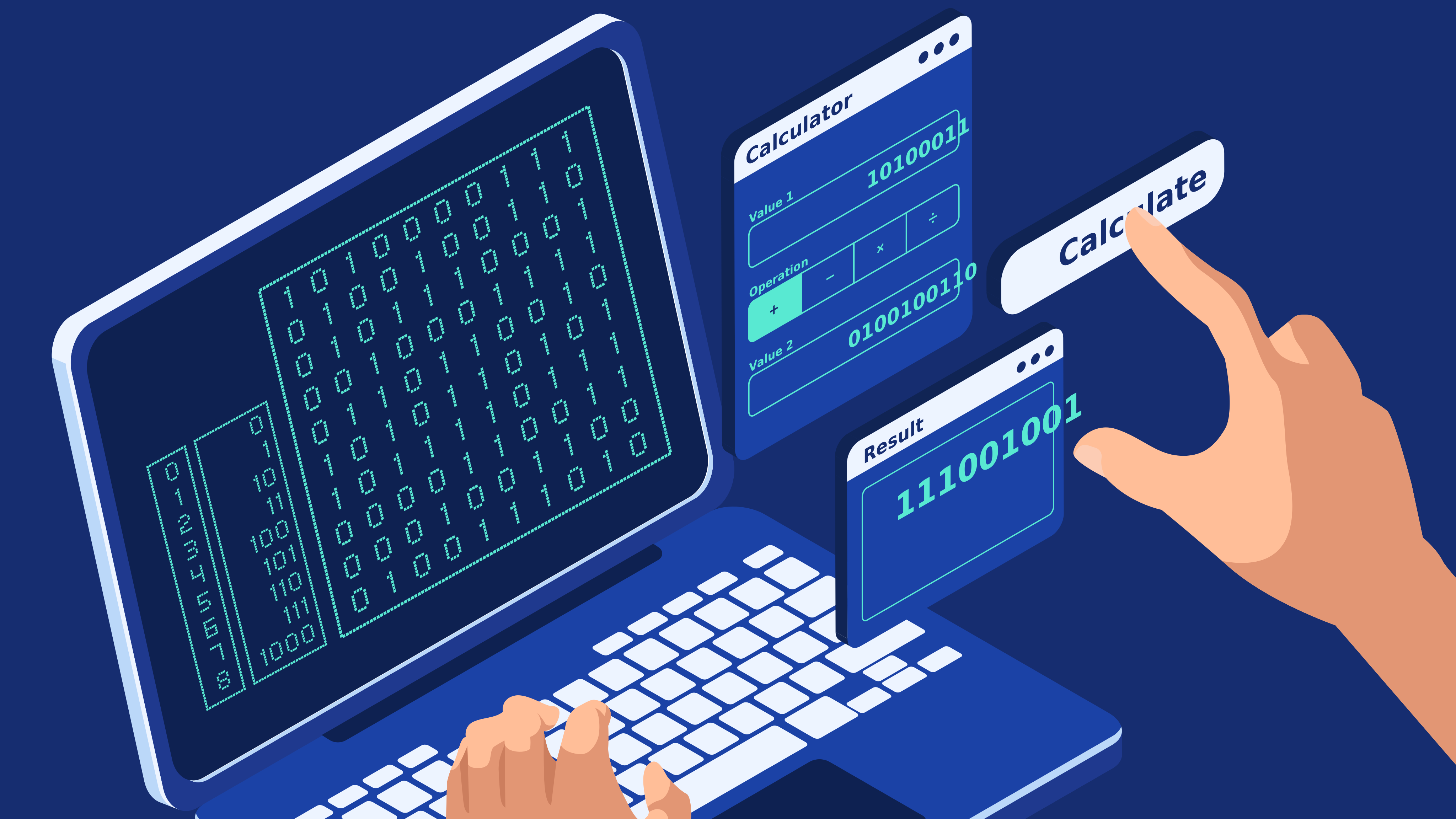
This ultimate Binary Calculator is your all-in-one tool for performing a wide variety of mathematical operations with binary numbers. It functions as a binary addition calculator, binary subtraction calculator, binary division calculator, binary multiplication calculator, and a comprehensive binary conversion calculator. Whether you need to translate binary values to decimal values or convert decimals back into binary, this base-2 calculator has you covered.
Directions for Use
Binary Calculations
Use the first section of the calculator to perform fundamental binary math—addition, subtraction, division, or multiplication of two binary numbers. To run a calculation, simply enter your binary numbers, select the desired mathematical operator (+, -, ×, ÷), and click “Calculate.” The tool will instantly display the result in both binary and decimal formats.
Convert Binary Value to Decimal Value
Need a quick binary-to-decimal conversion? Head to the second section of the calculator. Input your binary sequence and click “Calculate” to instantly reveal its decimal equivalent.
Convert Decimal Value to Binary Value
To convert a standard decimal number into binary, use the third section of our tool. Type in your decimal value, hit “Calculate,” and get your base-2 result. Note: All sections of this calculator are designed to work exclusively with whole numbers.
Understanding Binary Numbers
A binary number consists entirely of ones and zeros. For example, 10001110101010 is a binary number. Because this system relies on just two digits, it is known as the base-2 numeral system. Consequently, a binary calculator is often referred to as a base-2 calculator.
A binary number is formed using the same underlying logic as a standard base-10 decimal number. In the decimal system, we count 0, 1, 2, 3, 4, 5, 6, 7, 8, 9... Once we run out of single digits, we roll back to 0 and add a 1 in front, creating 10. The binary system follows this exact pattern, but because we only have 0 and 1, we reach 10 much faster. We count 0, 1... and since there are no more digits available, we immediately jump to 10.
Therefore, a 2 in decimal equals a 10 in binary. To write 3 in binary, we move from 10 to 11. To write 4, we run out of digits again, so we reset to 00 and add a 1 in front, giving us 100. The decimal-binary equivalents for the first few numbers are presented in the table below.
| Decimal | Binary |
|---|---|
| 0 | 0 |
| 1 | 1 |
| 2 | 10 |
| 3 | 11 |
| 4 | 100 |
| 5 | 101 |
| 6 | 110 |
Note that just like in the decimal system, adding leading zeros does not change a number's value. Writing 6 as 06 is mathematically correct. Similarly, in binary, 6 can be written as 110 or 0110.
Binary Conversions
Converting Decimal Numbers to Binary Numbers
The most straightforward way to convert a decimal number into binary is by continuously dividing the given decimal by 2 and noting the remainders. Once your quotient reaches 0, simply write out the remainders in reverse order to get your binary number. Let’s look at an example where we convert 17 into a binary value:
- 17 ÷ 2 = 8 R1
- 8 ÷ 2 = 4 R0
- 4 ÷ 2 = 2 R0
- 2 ÷ 2 = 1 R0
- 1 ÷ 2 = 0 R1
Writing down all remainders in reverse order gives us 10001. Therefore, 17₁₀ = 10001₂. (Note: The subscript indicates the base of the numeral system).
Converting Binary Numbers to Decimal Numbers
To translate a binary value to a decimal value, follow the steps below. For clarity, we will use 100101₂ as our conversion example:
- Start with the left-most digit of the binary number. Multiply the result from your previous step by 2, then add the current digit. For 100101, the first digit is 1. Since there is no previous step, our starting value is 0: (0 × 2) + 1 = 0 + 1 = 1.
- Move to the second digit and repeat the process. The second digit of 100101 is 0, and the result from the previous step is 1. (1 × 2) + 0 = 2.
- Repeat this calculation for every consecutive digit. The final sum will be the decimal representation of your binary number.
| 1 | (0 × 2) + 1 = 1 | 1 |
| 0 | (1 × 2) + 0 = 2 | 2 |
| 0 | (2 × 2) + 0 = 4 | 4 |
| 1 | (4 × 2) + 1 = 9 | 9 |
| 0 | (9 × 2) + 0 = 18 | 18 |
| 1 | (18 × 2) + 1 = 37 | 37 |
Finally, 100101₂ = 37₁₀.
How Binary Arithmetic Works
Binary Addition
Addition rules in the binary system mirror those in the decimal system. The key difference is that you carry a number over to the next digit as soon as the sum reaches 2 (instead of 10). The fundamental rules of binary addition are:
- 0 + 0 = 0
- 0 + 1 = 1
- 1 + 0 = 1
- 1 + 1 = 0, and 1 is carried over.
For example:

1001 + 1011 = 10100
Binary Subtraction
Binary subtraction also aligns with standard decimal subtraction. Borrowing from the next highest-order digit occurs when you must subtract 1 from 0. The rules of binary subtraction are:
- 0 – 0 = 0
- 1 – 0 = 1
- 1 – 1 = 0
- 0 – 1 = 1, 1 is borrowed.
When you borrow a 1 from the next column, it effectively acts as a 2 for the current digit, making the operation 2 – 1 = 1. For example:

1100 – 1001 = 0011 = 11
In this example, the immediate next digit is a 0, meaning we cannot borrow from it. We have to move one column further to the left. As a result, the intermediate digit essentially becomes a 2, and after we borrow from it, it drops to a 1. The blue numbers in the image illustrate these digit changes during the borrowing process.
Binary Multiplication
The rules for binary multiplication are incredibly straightforward:
- 0 × 0 = 0
- 0 × 1 = 0
- 1 × 0 = 0
- 1 × 1 = 1
For example:

Binary Division
Binary division relies on the same long division principles used for decimal numbers. Just like in base-10 mathematics, dividing by 0 is impossible. The rules for binary division are:
- 0 ÷ 0 cannot be performed
- 0 ÷ 1 = 0
- 1 ÷ 0 cannot be performed
- 1 ÷ 1 = 1
For example, 1111 ÷ 10 = 111 R1:

A Short History of Binary Numbers
The evolution of binary numbers is a fascinating journey bridging abstract mathematics, philosophy, and modern computer science. In the late 17th century, the German mathematician and philosopher Gottfried Wilhelm Leibniz first conceptualized the base-2 system. In his manuscript "Explanation of the Binary Arithmetic," Leibniz proposed a numerical framework using only two digits—0 and 1. Though mathematically profound, this concept didn't find immediate practical application.
It took centuries for the binary system to reach its full potential. In the 19th century, English mathematician George Boole developed Boolean algebra. By utilizing binary variables, his logical framework eventually became the bedrock of electronic circuitry and digital logic design.
The true breakthrough arrived in the 20th century with the birth of electronic computing. The creation of early machines like the ENIAC and UNIVAC in the 1940s and 1950s marked a turning point. These pioneering computers relied on binary numbers for processing and storing data, permanently establishing base-2 as the native language of computers.
Before them, the Atanasoff-Berry Computer (ABC) from the late 1930s was among the earliest machines to use binary digits for automated computation, cementing its place in computing history.
Today, binary numbers are the ubiquitous building blocks of all digital systems. From simple smartwatches to advanced supercomputers, binary dictates data encoding, telecommunications, and digital signal processing. Leibniz’s theoretical vision has transformed into a powerful, universal language that shapes how we compute, communicate, and interact with the modern world.
Real-Life Applications
While binary numbers form the backbone of computer science, their real-world applications extend into countless areas of everyday life.
Computer Memory and Processing
Computer hardware relies on microscopic transistors that exist in one of two states: "on" or "off." In the binary system, "on" equates to 1, and "off" equates to 0. This binary code allows machines to store vast amounts of data. For instance, a sequence of eight bits (like "01101001") can represent the letter "i" in standard ASCII code.
Digital Imaging and Displays
Every pixel on a digital screen is controlled by a specific combination of binary digits defining the intensity of red, green, and blue (RGB) light. Pure white is represented by maximum intensity across all channels, coded as "111" (or 7 in decimal), while pure black means all channels are off, coded as "000".
Telecommunications and Data Transfer
When you send a text or download a file, data is transmitted by converting characters into a stream of binary bits. These bits travel over long distances via fiber optic cables, satellite networks, and telephone lines before being decoded by the receiver, making lightning-fast global communication possible.
Consumer Electronics
Virtually every digital device—from smartphones and laptops to smart TVs—processes information using binary logic. This allows everyday gadgets to run complex applications, stream high-definition media, and efficiently store thousands of files.
Manufacturing and Automation
Binary code drives industrial automation, guiding robots and CNC (Computer Numerical Control) machines. These systems interpret binary instructions to perform highly precise tasks like welding, cutting, and drilling on modern assembly lines.
Medical Technology
Life-saving medical equipment, such as MRI scanners, CT scanners, and digital X-ray machines, rely heavily on binary processing. These machines capture massive amounts of sensor data and use base-2 computing to render detailed, high-resolution diagnostic images.
Automotive Industry
Modern vehicles are practically computers on wheels. Binary code runs through the electronic control units (ECUs) of your car, managing everything from fuel injection and engine timing to advanced GPS navigation and climate control systems.
From their conceptual origins with Leibniz to their integration into nearly every aspect of human activity, binary numbers are essential. They remain the invisible engine powering the continuous advancement of global technology.