Rounding Calculator
Quickly round numbers to the nearest whole number, significant figure, or decimal place. Use our free Rounding Calculator for tenths, hundredths, and more!
Input Data
Rounded Number
There was an error with your calculation.
How to Round Numbers to Any Place Value or Decimal, With Examples
Last updated: July 24, 2026
Table of Contents
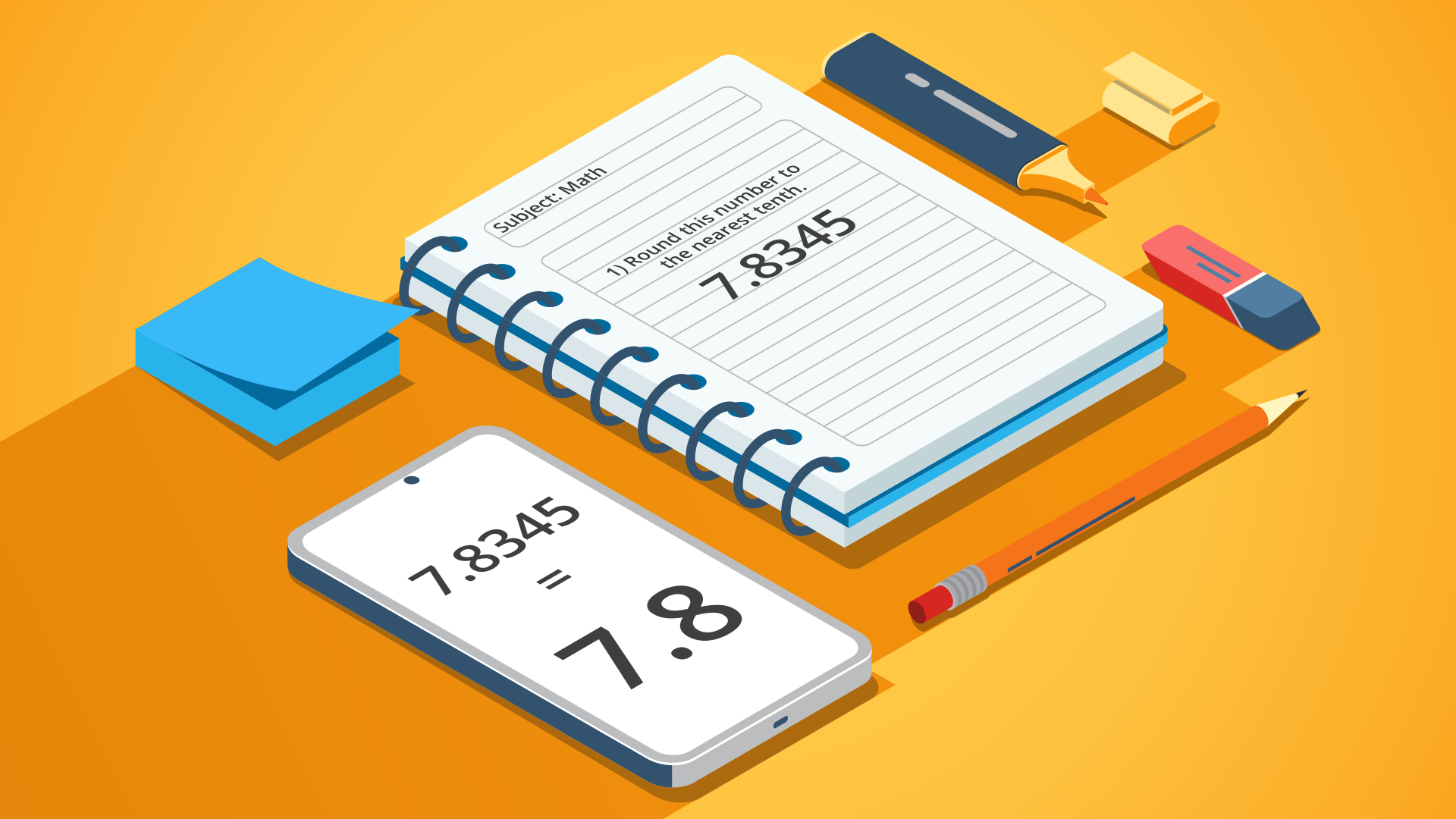
Begin by entering the number you want to round into the input field. Please note that only numbers and decimal points are accepted—letters and special characters will not work. Once you have entered your value, simply select your desired rounding criteria.
Our rounding numbers calculator provides two main sets of options. The first allows you to round a number to the nearest whole number, ten, hundred, thousand, and beyond—all the way up to billions. The second set of parameters is designed specifically for decimals, allowing you to round to a precise number of decimal places.
For example, imagine a large value like 7,875,189. To simplify it, you can round to the nearest hundred thousand by entering the number and choosing the 'hundred thousands' option.
In this case, the digit in the hundred thousands place is 8. The digit immediately to its right (in the ten thousands place) is 7, which is 5 or greater. According to standard rounding rules, this means we round up the 8 to a 9. Because the 7 dictates how the 8 is rounded, the rest of the trailing digits are replaced by zeros.
So, we get 7,900,000 as the final result.
Rounding to the nearest whole number
Let's say your weight is 110.45 lbs, and you want to round it to the nearest whole number (also known as the ones place). Just enter the exact value into the first field and select the 'ones place (whole number)' option in the second field. The calculator will output 110 lbs, because 0.45 is closer to 0 than to 1. Now you have a clean, easy-to-remember figure. Remember: rounding to the ones place is exactly the same as rounding to the nearest whole number.
Rounding decimal numbers to significant digits
When dealing with decimal numbers that extend far past the decimal point, working with them error-free can become a challenging task. This is especially true when you need a clean final result or an intermediate number for further mathematical calculations.
Because the value and significance of decimal digits decrease the further right you go, you can often sacrifice a tiny bit of microscopic accuracy for vastly improved ease of calculation. This allows you to round decimal numbers to your required number of significant digits.
Our decimal rounding calculator features dedicated options for targeting specific decimal places—from tenths, hundredths, and thousandths down to hundred-thousandths or even billionths. The system easily handles rounding anywhere from one to nine decimal places.
This tool is incredibly handy during lengthy math problems. For instance, if you end up with a sprawling value like 1289.58794578, simply input it into the calculator. Choose to round it to two decimal places (or any other number of significant digits you prefer), and you will instantly get your streamlined answer of 1289.59.
How to round numbers without a calculator
Rounding is the process of replacing a number with an approximate value that is shorter, simpler, and easier to use, while still maintaining a value close to the original. The absolute difference between the initial number and the rounded number is known as the rounding error.
The final result is referred to as the approximate value and is typically specified after the ≈ ("approximately equal to") symbol.
Every multi-digit number is made up of distinct place values. A place value represents the specific position a digit holds within a number. For example, the number 342 features three place values: hundreds (three hundreds), tens (four tens), and ones (two ones). Depending on your needs, you can round numbers to the nearest ten, hundred, thousand, and beyond.
When applying manual rounding rules, the digits to the right of your target place value are replaced by zeros (or discarded, in the case of decimals). The target digit itself either increases by one or remains the same, depending on the digit immediately following it. If that unneeded digit is between 0 and 4, the target digit remains unchanged (rounding down). If the unneeded digit is between 5 and 9, 1 is added to the target digit (rounding up).
Take the number 31,769. It can be rounded as follows:
- To the nearest ten: The digit in the tens place is 6. Since the digit following it is a 9, we increase the tens digit by one. The answer is 31,770.
- To the nearest hundred: The digit in the hundreds place is 7. The digit following it is 6, which means we round up the hundreds digit by one. The result is 31,800.
- To the nearest thousand: The digit in the thousands place is 1. It is followed by a 7, so we round up the thousands digit by one, resulting in 32,000.
These exact same rules apply when rounding decimals and fractions. However, you need to pay closer attention, as there are more place values to track across both the integer side (ones, tens, hundreds, thousands) and the fractional side (tenths, hundredths, thousandths).
For example, take the decimal number 55.836. It can be rounded as follows:
- to the nearest hundredth → 55.84;
- to the nearest tenth → 55.8;
- to the nearest whole number (integer) → 56;
- to the nearest ten → 60.
Making the Numbers Simpler
Rounding numbers is incredibly beneficial for quick problem-solving and estimating costs to see if they fit within your budget.
We can all recall picking up an item at a store with a price tag reading $399. Instantly, our brains recognize that $399 is practically $400, rather than $300. Similarly, if your total checkout bill is $789, it takes just a bit of quick math to realize the total is closer to $1,000 than to $500.
How do we instantly come to these conclusions? That is exactly what rounding numbers is all about. Rounding transforms complex figures into simple, digestible amounts. And it isn't just currency values that we round on a daily basis. Distances, weights, temperatures, and countless other measurements become far easier to comprehend when rounded to simpler numbers.
Rounding is helpful in a wide variety of scenarios, such as estimating the product of large numbers. Let's say you want to quickly multiply 838 × 56. According to standard rounding rules, you can approximate this as 800 × 60. The calculation becomes a breeze: 838 × 56 ≈ 800 × 60 ≈ 48,000. For context, the exact mathematical result is 46,928, meaning our mental estimate was remarkably close.
We also use rounding when absolute precision isn't necessary. For example, if an out-of-town friend asks you about the population of your city, you are highly unlikely to give them the exact number down to the tens and ones. Instead, you'll naturally estimate, saying something like "about four hundred thousand" or "around a million" people live there.
While manual estimation is great, the entire process becomes effortless when you use a dedicated rounding calculator. Our tool features all the advanced functions you need to round whole numbers and decimals up or down with total accuracy. Whether you need to round to the nearest ones, tens, hundreds, or thousands, the calculator handles it instantly.
Ultimately, understanding the concept of rounding numbers goes far beyond classroom mathematics and statistical analysis. It is a fundamental life skill that applies to your day-to-day dealings with money, distances, temperatures, and nearly every other measurable quantity.